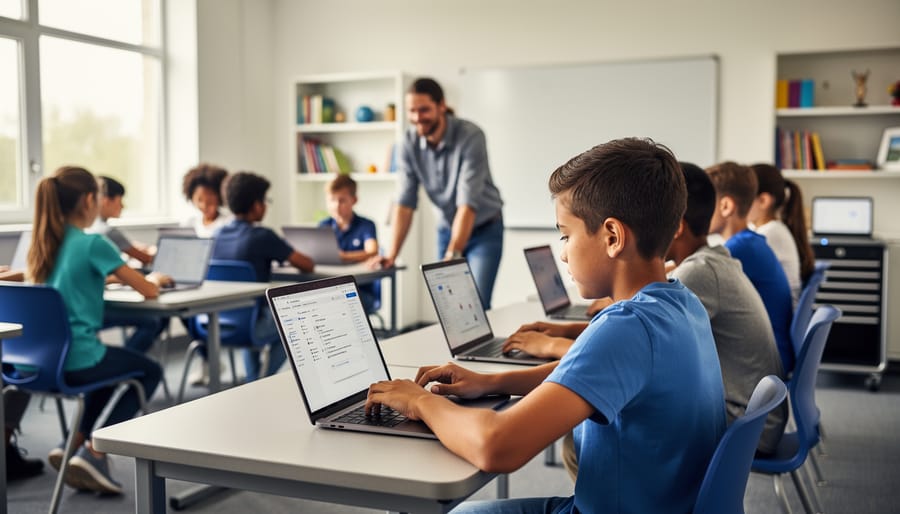
Picture a classroom where every student has immediate access to the digital tools that unlock personalized learning, real-time feedback, and boundless educational resources. This is the promise of 1:1 technology in schools—a model where each student receives their own device, typically a laptop, tablet, or Chromebook, for use throughout the school day and often at home.
The reality, however, extends far beyond simply distributing devices. As an educator, you’re navigating questions about equity, classroom management, meaningful integration, and whether the investment truly transforms learning outcomes. Perhaps you’re standing at the threshold of implementation, wrestling with an existing program that isn’t delivering expected results, or seeking strategies to maximize the technology already in your students’ hands.
The shift to 1:1 technology represents more than a change in tools—it’s a fundamental reimagining of how learning happens in your classroom. When implemented thoughtfully, these programs can differentiate instruction for diverse learners, foster collaboration that extends beyond classroom walls, and prepare students for a digital-first world. Yet success requires more than technology alone. It demands intentional planning, ongoing support, and a clear vision that places student learning, not devices, at the center.
This guide offers honest, practical insights drawn from real classroom experiences. You’ll discover actionable strategies for implementation, solutions to common challenges, and approaches that honor both the potential and limitations you face daily as an educator.
What 1:1 Technology Really Means for Your Teaching
Beyond the Devices: The Real Purpose of 1:1
When you hand a student a device, you’re not just giving them a tool—you’re opening a door to transform how they learn. The real power of 1:1 technology isn’t in the hardware itself, but in what becomes possible when every learner has consistent access to digital resources tailored to their needs.
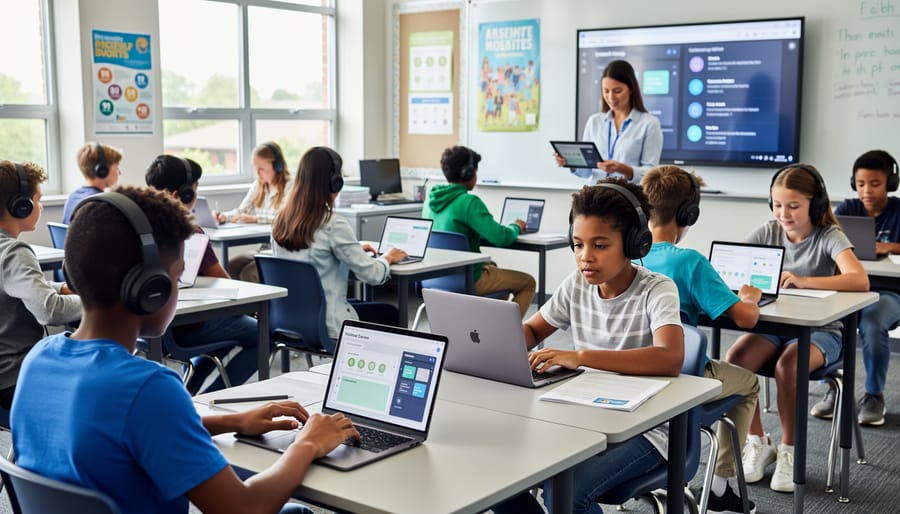
At its heart, 1:1 technology shifts learning from a one-size-fits-all approach to an environment where students can take ownership of their educational journey. Instead of all students moving through identical lessons at the same pace, technology enables teachers to offer multiple pathways to understanding. Students can access content at appropriate challenge levels, revisit concepts when needed, and extend their learning when they’re ready to push further.
This transformation centers on three key outcomes. First, student agency grows as learners make meaningful choices about how they demonstrate understanding and explore topics that spark their curiosity. Second, differentiation and personalized learning become manageable rather than overwhelming, as digital tools help you meet diverse needs simultaneously. Third, real-time feedback loops develop, allowing both you and your students to adjust instruction based on actual progress rather than waiting for formal assessments.
The goal isn’t to replace your teaching expertise with technology—it’s to amplify what you already do well. When implemented thoughtfully, 1:1 programs free you from administrative tasks and create space for the meaningful interactions that only you can provide.
The Honest Benefits (That Actually Matter in Your Classroom)
Personalized Learning That Actually Works
One of the most transformative benefits of 1:1 technology is the ability to meet each student exactly where they are in their learning journey. When every student has their own device, you can move beyond the one-size-fits-all approach that often leaves some learners behind while others wait for new challenges.
Adaptive learning platforms like Khan Academy, IXL, and DreamBox automatically adjust difficulty levels based on student responses, creating customized paths through content. These tools provide immediate feedback and allow students to progress at their own pace, whether they need extra practice on foundational skills or are ready to tackle advanced concepts.
Digital portfolios and creation tools such as Book Creator or Seesaw enable students to demonstrate understanding in ways that match their strengths, whether through video, audio, writing, or visual presentations. This flexibility honors different learning styles and helps every student shine.
The key is starting small. Choose one tool that addresses a specific need in your classroom, whether that’s math practice, reading fluency, or creative expression. Give yourself and your students time to become comfortable before adding more resources. Remember, technology is the enabler, but your knowledge of each student’s needs guides the personalization that truly makes the difference.
Student Engagement Without the Gimmicks
The real power of 1:1 technology lies not in flashy apps or gamification, but in creating genuine opportunities for student voice and choice. When students use devices to research topics they care about, collaborate on projects that matter to their communities, or create content that showcases their unique perspectives, technology increases student engagement in lasting ways.
Consider how devices enable students to pursue their interests during independent learning time, access materials at their own pace, or connect with experts beyond the classroom walls. These authentic interactions build intrinsic motivation far better than digital stickers or points systems.
The shift happens when we view technology as a tool for meaningful work rather than entertainment. Students become more invested when they’re using the same tools professionals use—conducting real research, publishing their writing for authentic audiences, or solving actual problems in their communities. This approach respects students’ capabilities and intelligence, showing them that learning is purposeful work, not just a game to win.
Instant Feedback and Assessment Made Simple
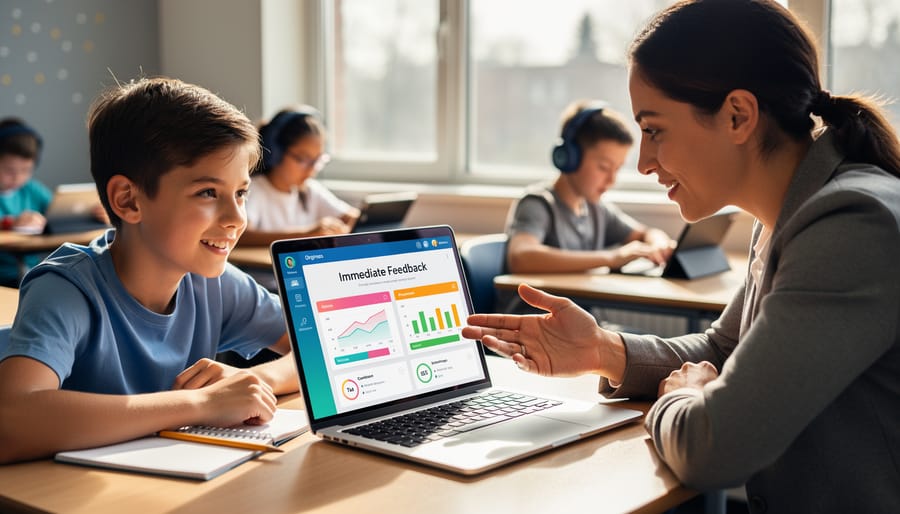
One of the most powerful advantages of 1:1 technology is how it transforms assessment from a retrospective activity into an ongoing conversation. Digital tools allow you to check for understanding in real-time, gathering instant feedback that helps you adjust your teaching on the spot rather than days later when reviewing paper assignments.
Think of quick polls, exit tickets, or interactive quizzes that students complete on their devices. Within moments, you can see exactly which concepts clicked and where confusion remains. This immediate insight means you can regroup students for targeted support, offer clarification to the whole class, or extend learning for those ready to move ahead—all within the same lesson.
Formative assessment platforms also create a less intimidating environment for students who might hesitate to raise their hands. When everyone responds simultaneously through their devices, participation becomes more inclusive and authentic. You’re gathering data from every student, not just the vocal few.
The beauty of this approach is its simplicity. You don’t need elaborate setups or technical expertise. Many assessment tools integrate seamlessly with your existing classroom routines, making it easy to weave checking for understanding throughout your day. This continuous feedback loop helps you meet student needs precisely when it matters most.
The Challenges Nobody Talks About (And How to Handle Them)
Managing Classroom Distractions Without Becoming the Tech Police
The key to managing devices isn’t constant monitoring—it’s building a classroom culture where students understand the why behind responsible use. Start by co-creating clear expectations with your students about when devices should be open, closed, or put away entirely. This collaborative approach helps them feel ownership rather than resentment.
Teaching digital citizenship means going beyond rules to help students develop self-regulation skills. Introduce simple strategies like the “laptop lid halfway” signal during discussion time, or establish device-free zones for certain activities. These visual cues reduce the need for individual corrections.
Consider implementing student-led accountability systems. Assign rotating tech monitors or create peer check-in protocols where students support each other’s focus. When distractions happen—and they will—address them as learning opportunities rather than discipline issues. Ask questions like “What pulled your attention away?” to build metacognitive awareness.
Remember, you’re not alone in this challenge. Share strategies in our community forums to learn what works for other educators facing similar situations. The goal isn’t perfect compliance but developing students who make intentional choices about their technology use.
When the Technology Doesn’t Work
Technology hiccups are inevitable, but they don’t have to derail your lesson. The key is having a plan B ready before issues arise.
Start by creating analog backup activities that mirror your digital lesson objectives. Keep printed worksheets, discussion questions, or hands-on materials accessible so you can pivot seamlessly. When a device fails mid-lesson, simply say, “Let’s try this another way,” and transition confidently to your backup plan.
Establish clear troubleshooting protocols with your students. Teach them the “three before me” rule: check the power connection, restart the device, and ask a peer before seeking teacher help. Designate tech-savvy students as classroom troubleshooters who can assist classmates with common issues while you continue teaching.
Build a quick-reference guide for the most frequent problems you encounter—login issues, connectivity drops, or frozen screens. Laminate it and keep it visible. Share solutions with colleagues through your school’s professional learning community so everyone benefits from collective wisdom.
Remember, your teaching expertise matters more than any device. Technology enhances learning, but your ability to engage students, explain concepts, and foster understanding remains the foundation. When technology fails, you haven’t failed—you’re simply demonstrating the flexibility and problem-solving skills we want our students to develop.
Supporting Students Without Equal Access at Home
Equity remains one of the most pressing concerns in 1:1 technology programs. While devices at school level the playing field during class time, disparities in home internet access and technology support can create new challenges.
Start by conducting a confidential survey to understand your students’ home technology situations. This information helps you make informed decisions about homework assignments and expectations. Consider creating offline alternatives for digital assignments or establishing a lending program for hotspots and devices.
Partner with your school library to extend hours or create homework clubs where students can access reliable internet and tech support. Many communities offer public WiFi at libraries, community centers, and even school parking lots during evening hours.
When designing lessons, build in substantial class time for technology-based work rather than assuming students can complete it at home. This approach benefits all learners while ensuring digital equity throughout your classroom.
Advocate at the district level for systemic solutions like community partnerships with internet providers or grant funding for home connectivity. Remember, addressing these gaps isn’t just about fairness—it’s about ensuring every student can fully participate in their education. Your awareness and proactive planning make a meaningful difference in students’ learning experiences.

Starting Small: Your First Steps with 1:1 Technology
Essential Tools That Won’t Overwhelm You
Starting small with the right tools makes all the difference in your 1:1 technology journey. You don’t need dozens of apps to create meaningful learning experiences. Here are essential tech tools organized by classroom purpose to help you begin confidently.
For Content Creation and Collaboration, Google Workspace for Education and Microsoft 365 Education offer familiar interfaces your students can master quickly. These platforms enable document sharing, real-time collaboration, and easy feedback without requiring extensive training. Book Creator and Canva for Education empower students to design presentations, digital books, and visual projects that showcase their learning creatively.
Assessment and Feedback tools like Kahoot! and Quizizz transform checking for understanding into engaging activities. Flipgrid gives every student a voice through short video responses, perfect for building confidence in reluctant speakers. Google Forms provides simple quiz creation with automatic grading to save you precious time.
Classroom Management becomes smoother with tools like ClassDojo for behavior tracking and parent communication, while Seesaw creates digital portfolios that document student growth throughout the year.
Organization Tools such as Trello or Google Classroom help you structure assignments and maintain clear communication channels with students and families.
Start by choosing one tool from each category that addresses your most pressing classroom need. Master it thoroughly before adding another. Remember, depth of implementation matters more than the number of apps you use. Your students will benefit most when you feel confident and comfortable with the tools you’ve selected.
Building Your Confidence One Lesson at a Time
You don’t need to transform your entire teaching practice overnight. Building confidence with 1:1 technology happens gradually, one lesson at a time. Start by selecting a single lesson you already teach well and consider how technology might enhance one specific element.
For example, if you typically have students complete a worksheet on fractions, try converting just the practice portion into an interactive math app while keeping your direct instruction the same. Or take that book discussion you love and add a digital component where students contribute one thought to a shared document. These small modifications let you experiment without abandoning what already works.
After each technology-enhanced lesson, take a few minutes to reflect using these questions: What worked smoothly? Where did students need extra support? Did the technology add value to the learning, or did it create unnecessary complexity? How comfortable did I feel managing the technical aspects?
As you gain confidence, gradually expand your use. Perhaps you’ll add a second tech-enhanced lesson next week, or extend the digital component of your first attempt. Some teachers find it helpful to partner with a colleague, trying the same modification and comparing notes afterward.
Remember, even experienced educators feel uncertain when trying something new. That awkward first attempt is part of the learning process for you and your students. Give yourself permission to adjust, simplify, or even step back when needed. Progress isn’t always linear, and that’s perfectly okay.
Making 1:1 Work Across Different Subjects and Grade Levels
Elementary Classrooms: Building Digital Skills and Creativity
For younger learners, 1:1 technology becomes a powerful tool for building foundational digital literacy while nurturing creativity. Start with simple, intuitive applications that let students create rather than just consume. Digital drawing tools, basic coding platforms with visual blocks, and interactive storytelling apps help children develop problem-solving skills while expressing themselves. The key is balancing screen time with hands-on activities, ensuring devices enhance rather than replace traditional learning experiences.
Consider implementing “tech rotations” where students move between device-based activities and collaborative offline projects. This approach maintains engagement while teaching responsible device use. Younger students benefit from clear routines around technology, such as designated times for opening and closing devices, proper handling, and understanding when to ask for help. Encourage exploration through guided discovery, where students learn by doing with your supportive feedback. Remember, at this age, the goal is helping children see devices as creative tools that extend their natural curiosity and imagination into the digital world.
Middle and High School: Deep Learning and Collaboration
At the middle and high school level, 1:1 technology becomes a powerful catalyst for deeper learning experiences. Students can engage in sophisticated research projects, using their devices to access academic databases, analyze data, and synthesize information from multiple sources. Project-based learning thrives in this environment, as students collaborate on authentic problems using shared documents, multimedia presentations, and digital portfolios that showcase their growth over time.
Encourage peer collaboration through discussion boards, peer review platforms, and collaborative coding projects. These tools help students develop critical thinking and communication skills while building digital citizenship. Consider incorporating flipped classroom models where students explore content independently before applying concepts collaboratively in class. The key is moving beyond consumption to creation—students should design websites, produce podcasts, develop apps, or create digital art that demonstrates mastery. When students become creators rather than passive consumers, they develop agency and deeper understanding of content.
Math and STEM: Visualization and Practice
Mathematics and STEM subjects come alive when students can manipulate variables, visualize abstract concepts, and receive immediate feedback through their devices. Interactive graphing tools like Desmos transform algebra and calculus instruction, allowing students to explore function behavior dynamically rather than plotting points by hand. Digital simulations bring scientific phenomena into your classroom, whether you’re teaching cellular processes, physics experiments, or environmental systems.
Geometry applications with touch interfaces let students rotate three-dimensional shapes and discover properties through hands-on exploration. Virtual labs provide safe, repeatable experiments when physical materials aren’t available or practical. Adaptive math platforms like Khan Academy or IXL adjust difficulty in real-time, meeting each student at their current level while providing you with detailed progress data.
Consider starting small with one digital tool per unit, ensuring students master both the content and the technology before adding complexity to your instruction.
Humanities and Social Sciences: Research and Expression
In humanities classrooms, 1:1 technology opens new pathways for research, analysis, and creative expression. Students can access primary source documents, digital archives, and diverse historical perspectives that bring social studies lessons to life. Digital annotation tools help learners engage deeply with texts, marking passages and sharing interpretations with peers in real-time. Writing projects benefit from collaborative editing platforms where students receive immediate feedback and learn to refine their arguments through multiple drafts. Research skills flourish when students learn to evaluate online sources critically and synthesize information from various digital media. Interactive timelines, virtual museum tours, and documentary clips enrich understanding of complex historical events and cultural movements, making abstract concepts tangible and memorable for all learners.
Connect and Grow: Resources for Your 1:1 Journey
You don’t have to navigate your 1:1 technology journey alone. A wealth of resources and supportive communities stand ready to help you succeed at every stage of implementation.
Teach Find offers dedicated community forums where educators share real classroom experiences, troubleshoot challenges, and celebrate wins together. Whether you’re wrestling with device management questions or seeking creative lesson ideas, you’ll find colleagues who understand your context and can offer practical advice.
Professional development opportunities abound through both online platforms and local educational networks. Many districts partner with technology providers to offer ongoing training sessions, while educator networks host webinars and workshops focused on specific tools and strategies. Consider joining educator groups on social media platforms where teachers actively exchange resources and implementation tips.
Remember that building expertise takes time, and questions are part of the learning process. Bookmark helpful resources, connect with other educators implementing similar programs, and don’t hesitate to reach out when you need support. The most successful 1:1 programs thrive because educators collaborate, share knowledge, and lift each other up. Your experience matters, and contributing to these communities helps strengthen the entire network of educators working to enhance learning through technology.
Your journey with 1:1 technology doesn’t need to be perfect to be powerful. The most important step is simply to begin. Remember, a classroom using technology imperfectly is still moving forward, creating opportunities for learning that wouldn’t exist otherwise. Start small, experiment with one approach, and build from there as your confidence grows.
You’re not alone in this work. Thousands of educators are navigating similar challenges and celebrating similar wins. Connect with colleagues in your building, join online communities, and share both your struggles and successes. The collective wisdom of teachers implementing 1:1 programs is one of your greatest resources.
As technology evolves and your comfort level increases, continue exploring new strategies and refining your approach. Stay curious, remain flexible, and keep your focus on what matters most: creating meaningful learning experiences for your students. You have the insight, creativity, and dedication to make 1:1 technology work in your unique classroom context. Trust yourself, support your students, and take that next step forward with confidence.