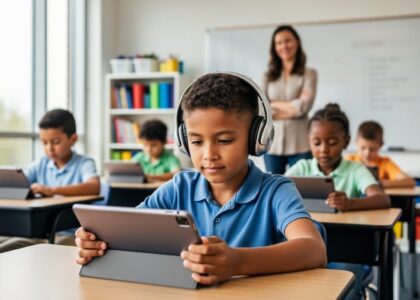
Every time your students log into an adaptive learning platform, that system collects data—everything from wrong answers and time spent on tasks to behavioral patterns and learning gaps. You have both the responsibility and the power to protect this sensitive information while still leveraging technology’s benefits for personalized instruction.
Start by auditing the digital tools already in use in your classroom. Request data privacy policies from vendors and look specifically for what student information they collect, how long they retain it, who has access to it, and whether they sell data to third parties. The Family Educational Rights and Privacy Act (FERPA) governs how schools handle student records, while the Children’s Online Privacy Protection Act (COPPA) adds protections for students under 13, but you don’t need to be a legal expert to ask vendors direct questions about compliance.
Create a simple evaluation checklist before adopting new virtual learning tools. Prioritize platforms that offer transparent privacy policies written in plain language, provide strong data encryption, allow you to delete student information when no longer needed, and give students and families control over their data. Many excellent educational technology companies welcome these questions because they’ve built privacy protections into their core design.
Partner with your school’s technology coordinator or district privacy officer to establish consistent practices across classrooms. When educators work together, you can negotiate better terms with vendors, share vetted resources, and create school-wide protocols that protect all students equally. This collaborative approach prevents the patchwork of different privacy standards that often develops when individual teachers make isolated technology decisions.
The digital learning environment offers tremendous opportunities for reaching every student, but only when built on a foundation of trust and security that you actively maintain.
What Student Data Actually Means in Virtual and Adaptive Learning

The Information Your Learning Platforms Collect
When students log into virtual learning tools, they generate a digital footprint that extends far beyond their test scores. Understanding exactly what information these platforms collect is your first step toward protecting student privacy.
Most educational technology platforms track basic login data, including when students access the system, how long they remain active, and which device they’re using. This might seem harmless, but it can reveal patterns about a student’s home life, such as late-night login times that might indicate family work schedules or limited daytime access to technology.
Assessment responses are another major category. Beyond right or wrong answers, many adaptive learning systems record how long students spend on each question, how many attempts they make, and whether they change answers. Some platforms even track mouse movements and typing patterns to detect potential academic integrity concerns.
Clickstream data creates a detailed map of student navigation, showing which resources students access, what they skip, and where they struggle. This granular information helps personalize learning but also builds comprehensive behavioral profiles.
More concerning for some families is the rise of biometric data collection. Certain platforms now use facial recognition for identity verification, eye-tracking to measure engagement, or voice analysis in language learning applications.
Additionally, platforms often collect personal identifiers including student names, email addresses, grade levels, and sometimes even free lunch status or special education classifications. Understanding this collection helps you ask better questions when evaluating new tools for your classroom or district.
Why Adaptive Learning Requires More Data
Adaptive learning platforms represent an exciting advancement in education, but their effectiveness depends on collecting and analyzing student information. Understanding why these systems need more data helps you make informed decisions about implementing them in your classroom.
These platforms personalize instruction by continuously monitoring how students interact with content. To create individualized learning paths, the technology tracks responses to questions, time spent on tasks, patterns of mistakes, and progress through material. This real-time feedback allows the system to adjust difficulty levels, suggest relevant resources, and identify knowledge gaps immediately.
Think of it like a highly attentive tutor who remembers every detail about each student’s learning journey. The more information the platform gathers, the more precisely it can tailor instruction to meet individual needs. Learning analytics can reveal insights about learning styles, optimal pacing, and areas requiring additional support that might take weeks to discover through traditional observation alone.
The trade-off is clear: personalized learning requires personal data. Students benefit from instruction that adapts to their unique needs, but this comes with important privacy considerations. Your role is ensuring these powerful tools serve students while protecting their information. By understanding what data these platforms collect and why, you can advocate for appropriate safeguards and make choices that balance educational benefits with student privacy rights.
The Real Privacy Risks Facing Your Students
Third-Party Data Sharing You Might Not Know About
When you introduce a new learning app or platform in your classroom, you’re not just connecting your students to educational content—you’re often opening a door for their data to travel beyond your school’s walls. Many educators are surprised to learn just how extensively student information can be shared with third parties through EdTech vendors.
Here’s how it typically works: When your school adopts a digital math platform, reading app, or learning management system, that vendor may share student data with analytics companies, cloud storage providers, advertising networks, or parent companies. For example, a popular reading assessment tool might share anonymized student performance data with a research firm, or a classroom management app could use third-party analytics services to track how students interact with the platform.
Consider this practical scenario: Your district implements an adaptive learning platform for science instruction. That platform might share student login information with authentication services, progress data with cloud hosting providers, and engagement metrics with the vendor’s marketing partners. While some sharing supports legitimate educational functions, other transfers may serve commercial purposes you never intended to authorize.
The challenge is that these data-sharing arrangements often happen behind the scenes. They’re buried in lengthy privacy policies or vendor agreements that school administrators sign without fully realizing the implications. Even when sharing is disclosed, the language can be vague, making it difficult to understand exactly which third parties receive student data and for what purposes.
You have the right to ask questions about these practices and advocate for clearer data-sharing terms in your school’s vendor agreements.
Data Breaches and Security Vulnerabilities
Understanding the security landscape of educational technology helps you better protect your students’ information. Data breaches in K-12 settings are more common than many educators realize, but knowing what to watch for empowers you to take preventive action.
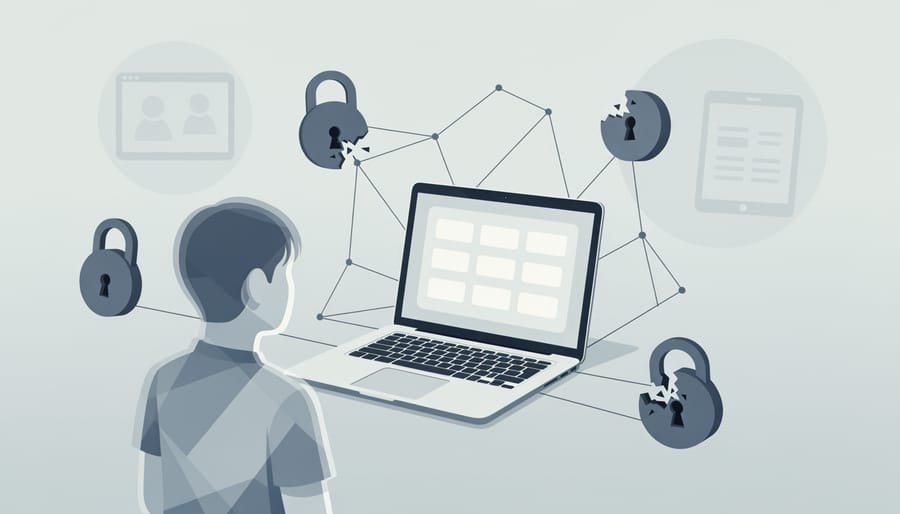
Security vulnerabilities in educational technology typically fall into several categories. Weak password protections remain a leading issue—when students use simple passwords like “123456” or share login credentials with classmates, unauthorized access becomes easier. Many breaches occur through phishing attacks, where teachers or administrators receive emails that appear legitimate but actually trick them into revealing login information. In 2020, a California school district experienced a breach when staff members clicked on a fraudulent link that appeared to be from their district office, compromising thousands of student records.
Outdated software presents another significant risk. Educational apps and platforms that don’t receive regular security updates can develop vulnerabilities that hackers exploit. A 2019 incident involved an elementary school’s grading system that hadn’t been updated in years, leaving a security gap that exposed student grades and personal information.
Third-party integrations also create potential weak points. When learning platforms connect with multiple external tools and services, each connection becomes a potential entry point for security issues. For instance, a middle school discovered that a seemingly harmless quiz app was storing student data on unsecured servers accessible to anyone with basic technical knowledge.
The good news? You don’t need to become a cybersecurity expert to make a difference. Simple practices like encouraging strong passwords, verifying email sources before clicking links, and asking your IT department about update schedules can significantly reduce risks in your classroom.
Federal and State Laws That Protect Student Privacy
FERPA: What It Covers and What It Doesn’t
The Family Educational Rights and Privacy Act (FERPA) has protected student education records since 1974, but understanding how it applies to virtual learning can feel confusing. Here’s what you need to know to confidently navigate your responsibilities.
FERPA protects personally identifiable information in education records, including grades, transcripts, disciplinary records, and contact information. In virtual classrooms, this extends to digital gradebooks, learning management system data, and video recordings of class sessions that include student participation. The good news? You’re already familiar with many of these protections from traditional classrooms.
However, FERPA has important limitations in digital spaces. It doesn’t regulate how third-party educational technology companies use student data once they collect it, unless they’re acting as “school officials.” For example, if students use an adaptive learning app, FERPA protects the information your school shares with the vendor, but the company’s internal data practices fall outside FERPA’s scope.
FERPA also doesn’t cover student-generated content posted publicly on educational platforms or protect against cybersecurity breaches, though schools still have ethical obligations in these areas. Understanding these gaps empowers you to ask better questions when selecting educational technology and advocating for stronger privacy protections. You’re not just following regulations; you’re championing your students’ rights in an evolving digital landscape.
COPPA and Student Privacy Under Age 13
The Children’s Online Privacy Protection Act (COPPA) is a federal law that specifically protects children under 13 when they use online services and educational platforms. As an elementary educator, understanding COPPA empowers you to make informed choices that safeguard your youngest learners.
COPPA requires websites and apps directed at children under 13 to obtain verifiable parental consent before collecting personal information. This includes seemingly basic data like names, email addresses, photos, voice recordings, and location information. The law also mandates that these platforms clearly explain what data they collect and how they use it.
For your classroom, this means you should verify that any digital learning platform you select is COPPA-compliant before students begin using it. Look for clear privacy policies that address children’s data and confirm the platform has systems in place for obtaining proper consent. Many education-specific platforms offer school-based consent models, where districts act on behalf of parents, streamlining the process while maintaining protections.
When introducing new technology, communicate with families about what platforms you’ll use and why they benefit learning. Provide parents with access to privacy policies and consent forms in language they can understand. This transparency builds trust and helps families feel confident in your classroom’s digital environment.
Remember, COPPA compliance isn’t just a legal requirement—it’s a fundamental way to honor the trust families place in you as their child’s teacher.
Questions to Ask Before Choosing a Virtual Learning Platform
Understanding Privacy Policies and Terms of Service
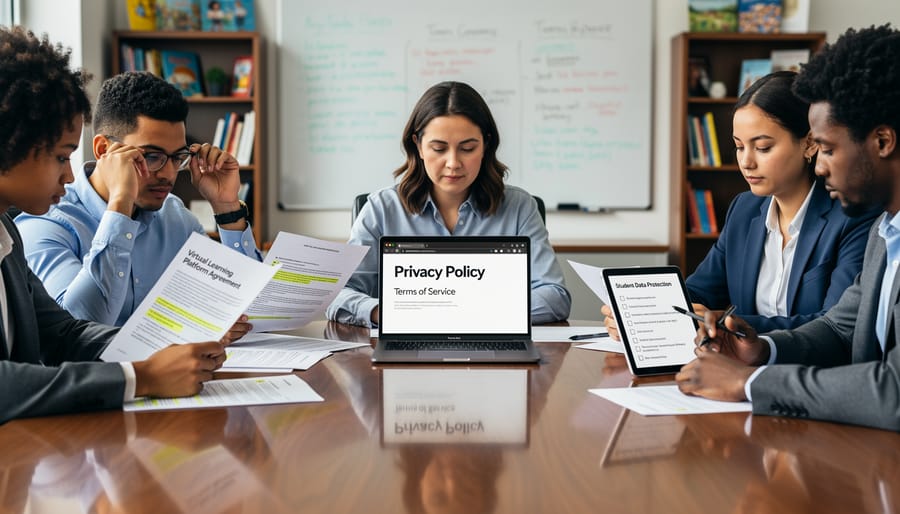
Privacy policies and terms of service can feel overwhelming, but you don’t need to be a legal expert to spot important details. Start by looking for clear explanations of what student data the platform collects. Quality privacy policies should plainly state whether they gather names, email addresses, learning progress, browsing behavior, or biometric information.
Watch for these red flags: vague language about sharing data with “third parties” or “partners” without specifics, statements allowing the company to change terms without notice, claims of ownership over student-created content, or permissions to use student data for advertising purposes. If a policy mentions selling data or using it for purposes beyond educational services, proceed with caution.
Here’s a practical approach: create a simple checklist based on your district’s requirements and FERPA guidelines. Before adopting any new platform, spend fifteen minutes scanning the privacy policy for your key concerns. Look for sections titled “Data Collection,” “Information Sharing,” and “Children’s Privacy.”
Many educational technology companies now offer teacher-friendly summaries of their privacy practices. Don’t hesitate to contact vendors directly with questions. Reputable companies should welcome your inquiries and provide clear answers. Remember, protecting student privacy starts with informed decisions, and asking questions demonstrates your commitment to your students’ digital safety.
Data Ownership and Deletion Rights
Understanding who owns student data is essential for protecting your learners’ privacy. When reviewing any educational platform or app, look carefully at the terms of service to identify data ownership clauses. You want to ensure that your school or district retains ownership of student information, not the technology provider. Many platforms claim broad rights over user-generated content and learning data, which can create concerning situations down the line.
Data deletion rights are equally important. You should verify that platforms offer clear processes for permanently removing student data when a learner graduates, transfers schools, or when your district discontinues using a service. Strong privacy agreements include specific timelines for data deletion upon request, typically within 30-90 days.
Ask these key questions before adopting any new tool: Can we export our students’ data in a usable format? What happens to information when we end our contract? Does the company retain any data after deletion requests? Reputable educational technology providers will have straightforward answers and documented procedures readily available.
Remember, you have the right to advocate for your students. Don’t hesitate to request written confirmation of deletion policies or ask for demonstrations of the data removal process. If a vendor cannot clearly explain their data ownership and deletion practices, consider this a significant red flag. Your students deserve platforms that respect their right to privacy and provide genuine control over their personal information throughout their educational journey and beyond.
Practical Steps to Protect Student Privacy in Your Classroom
Setting Up Secure Virtual Learning Environments
Protecting student data starts with properly configuring your digital platforms. Begin by conducting an initial privacy audit of your virtual learning environments. Log into each platform’s administrative settings and review all default privacy configurations, as many systems ship with data sharing enabled.
Start with user permissions. Create separate access levels for students, teachers, parents, and administrators. Students should only see content relevant to their classes, while parents need visibility into their child’s progress without accessing other students’ information. Disable public profile features and ensure student work remains visible only to intended recipients.
Next, configure data collection settings. Turn off unnecessary analytics, location tracking, and third-party integrations that aren’t essential for learning. Many platforms collect far more data than needed for educational purposes. Review each feature individually and ask yourself whether it truly supports learning objectives.
Enable enhanced authentication measures like multi-factor authentication for teacher accounts and strong password requirements for student logins. Set automatic logout times for inactive sessions, particularly on shared devices.
Within classroom management tools, customize sharing permissions for each assignment and discussion forum. Use anonymous or numbered identifiers instead of full student names for public-facing activities. Disable chat features between students unless supervised, and regularly review messaging logs where appropriate.
Finally, create a simple checklist documenting your privacy settings. Review these configurations quarterly, as platform updates often reset preferences. Share this checklist with fellow educators to build consistency across your school community.
Teaching Students About Their Own Digital Privacy
Empowering students to understand and protect their digital privacy transforms them from passive users into informed advocates. This essential skill set grows with students as they navigate an increasingly connected world.
For elementary students, start with relatable concepts. Use analogies like comparing passwords to house keys or explaining how sharing personal information online is like talking to strangers. Interactive activities, such as creating “digital privacy posters” or role-playing scenarios about what information is safe to share, make abstract concepts concrete. Simple games that teach the difference between public and private information help younger learners grasp foundational ideas.
Middle school students benefit from exploring real-world implications. Engage them in discussions about app permissions, social media privacy settings, and digital footprints. Encourage students to audit their own online presence and practice evaluating websites for trustworthiness. Creating classroom agreements about digital citizenship helps students take ownership of privacy practices.
High school students can delve deeper into data collection practices, exploring topics like targeted advertising, data breaches, and their rights under privacy laws. Project-based learning opportunities, such as analyzing privacy policies or presenting on data protection topics, develop critical thinking skills. Consider establishing student-led privacy ambassador programs where students educate peers and younger students.
Across all grade levels, integrate privacy education into existing curriculum rather than treating it as a standalone topic. Regular conversations normalize privacy awareness, helping students develop habits that protect them throughout their digital lives. When students understand why their data matters, they become active participants in safeguarding it.

Working With Your School and District on Data Privacy
Starting the Conversation With Administrators
Approaching your school’s leadership about data privacy concerns doesn’t have to feel overwhelming. Start by framing the conversation positively, emphasizing your shared goal of protecting students while maintaining effective learning experiences. Schedule a dedicated meeting rather than catching administrators in passing, and come prepared with specific observations rather than general worries.
Before the meeting, document your concerns clearly. For example, if you’ve noticed a new platform collecting unexpected student information, note what data is being requested and why it concerns you. Bring potential solutions alongside your questions—administrators appreciate educators who help solve problems rather than simply identifying them.
Use collaborative language that invites partnership. Instead of saying “This platform violates student privacy,” try “I’d like to understand our vetting process for new educational technology and how I can help ensure we’re protecting student data.” This approach positions you as a supportive team member invested in improvement.
Remember that administrators juggle multiple priorities and may not be aware of specific platform practices. Offer to research data privacy policies for tools you use regularly or volunteer to join a technology review committee. Many schools welcome teacher input in these areas but simply haven’t formalized the process yet. Your willingness to contribute demonstrates genuine commitment beyond complaint.
Creating District-Wide Privacy Guidelines
You have a valuable voice in shaping how your district handles student data privacy. Many schools actively seek input from classroom educators when developing privacy policies because you understand the day-to-day realities of working with educational technology.
Start by connecting with your district’s technology coordinator or privacy officer to learn about existing guidelines and opportunities for feedback. Effective district frameworks typically include clear protocols for vetting new platforms, obtaining parental consent, limiting data collection to educational necessities, and establishing data retention schedules. Strong policies also define who can access student information and require regular privacy training for all staff.
Consider forming or joining a teacher advisory committee focused on digital learning tools. Your frontline experience helps administrators understand which privacy protections are practical and which might create unnecessary barriers to effective teaching. Share specific examples from your classroom about what works and what concerns you.
Successful districts often create simple reference guides that outline privacy expectations in everyday language, making compliance easier for busy educators. Some include decision trees to help teachers quickly evaluate whether a new app or platform meets district standards.
Remember, contributing to these guidelines strengthens protections for all students while ensuring policies support rather than hinder innovative teaching practices.
Protecting student data privacy isn’t about achieving perfection overnight—it’s about making consistent, meaningful progress in safeguarding the young people in your care. As an educator, you’re already balancing countless responsibilities, and adding privacy considerations to your plate might feel overwhelming. But here’s the truth: you don’t need to become a cybersecurity expert to make a real difference.
Every small step counts. Whether you’re reviewing privacy policies before adopting a new app, adjusting your classroom technology practices, or advocating for better district-level protections, you’re contributing to a safer digital learning environment. The challenges are real—from ever-evolving technologies to complex regulations—but so is your capacity to address them thoughtfully and effectively.
Remember, you’re not alone in this journey. Thousands of educators are navigating these same concerns, and the collective knowledge within the educational community continues to grow stronger. Start where you are. Choose one action from this guide that feels manageable and implement it this week. Maybe it’s conducting a quick audit of the platforms you currently use, updating your parent communication about digital tools, or starting a conversation with colleagues about data privacy practices.
Your commitment to protecting student privacy matters deeply. By staying informed, asking questions, and advocating for your students’ digital rights, you’re modeling the kind of thoughtful digital citizenship we hope to instill in the next generation. Take that first step today—your students’ privacy is worth it.