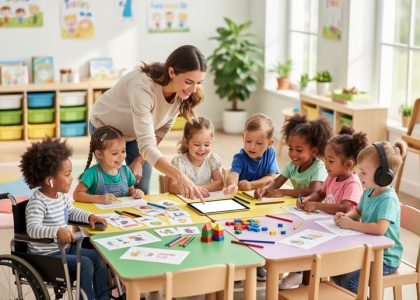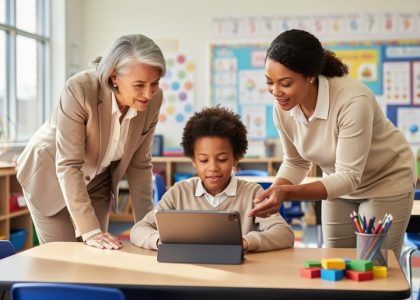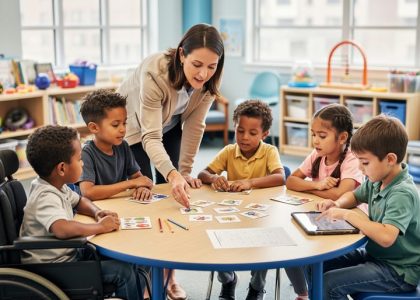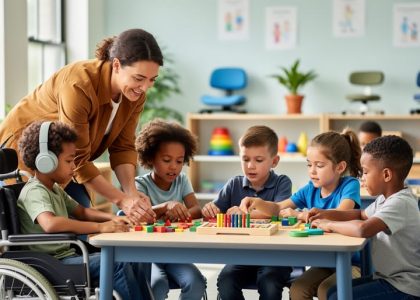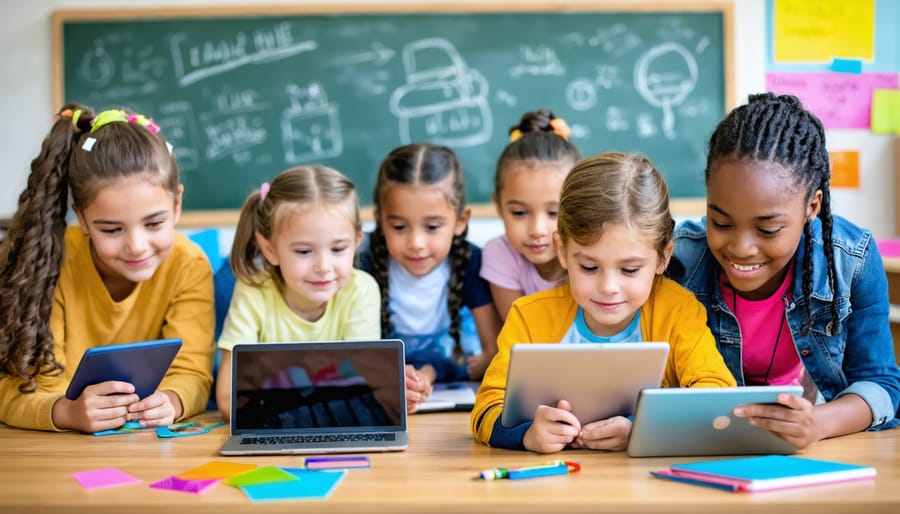
Educational access stands at the crossroads of equity, technology, and student success in today’s rapidly evolving learning landscape. Every student deserves the opportunity to learn effectively, regardless of their physical abilities, learning differences, or socioeconomic circumstances. As educators, we face the critical challenge of breaking down barriers that prevent full participation in learning experiences, while embracing innovative solutions that make education truly accessible to all.
Recent studies show that implementing universal design principles in education can improve learning outcomes by up to 30% across diverse student populations. This isn’t just about compliance with accessibility standards – it’s about creating dynamic, inclusive learning environments that benefit every student. From adaptive technologies to flexible assessment methods, the tools and strategies available today make it possible to personalize learning experiences while maintaining high academic standards.
The transformation toward truly accessible education requires a commitment to understanding, implementing, and continuously improving inclusive practices. By focusing on removing barriers to learning, incorporating assistive technologies, and adopting flexible teaching methods, we can create learning environments that empower all students to reach their full potential. This guide explores practical strategies for enhancing educational access, supported by research and real-world success stories from classrooms across the country.
Understanding Educational Access in the Digital Age
Key Components of Educational Access
Educational access encompasses three fundamental components that work together to create truly inclusive learning environments. Physical access ensures that learning spaces are designed to accommodate all students, including those with mobility challenges, sensory needs, or physical disabilities. This includes elements like wheelchair-accessible entrances, adjustable furniture, and appropriate lighting.
Digital access has become increasingly crucial in modern education, focusing on making online resources and learning platforms available to all students. This includes providing assistive technologies, ensuring website accessibility, and offering multiple formats for educational materials. Schools must consider factors like internet connectivity, device availability, and digital literacy support.
Cognitive access addresses how information is presented and processed, ensuring that learning materials are comprehensible for students with different learning styles and abilities. This involves implementing Universal Design for Learning principles, offering multiple ways to engage with content, and providing appropriate accommodations. Teachers can support cognitive access by using clear language, breaking down complex concepts, and offering various assessment options.
These components are interconnected and equally important in creating an educational environment where all students can participate fully and succeed academically.

Current Challenges in Educational Access
Despite ongoing efforts to improve educational opportunities, significant barriers in educational access continue to affect students across diverse communities. Financial constraints remain a primary challenge, limiting access to essential learning resources and technology. Many students face difficulties with unreliable internet connectivity, particularly in rural and underserved areas, making it challenging to participate in digital learning environments.
Language barriers and cultural differences can create obstacles for students from diverse backgrounds, potentially leading to feelings of isolation or disconnection from the learning community. Additionally, students with disabilities may encounter physical or digital accessibility issues that hinder their full participation in educational activities.
Time constraints and family responsibilities also impact many students, especially those from working families or those who serve as caregivers. The varying levels of parental support and home learning environments can create disparities in educational outcomes. Understanding these challenges is crucial for educators to develop effective strategies that support all learners and create more inclusive learning spaces.
As we work to address these issues, it’s essential to recognize that solutions often require collaborative efforts between educators, administrators, families, and community resources.
Technology Solutions for Inclusive Learning
Assistive Technologies
Modern classrooms are increasingly equipped with assistive technology solutions that help create inclusive learning environments for students with diverse needs. These tools range from text-to-speech software and screen readers to specialized keyboards and alternative input devices, all designed to remove barriers to learning and participation.
For students with visual impairments, screen magnification tools and braille displays make digital content accessible. Those with hearing challenges benefit from closed captioning systems and FM audio systems that provide clear sound amplification. Students with motor skill difficulties can use adaptive switches and modified mouse devices to interact with educational technology effectively.
Speech recognition software helps students who struggle with writing to express their ideas more freely, while organizational tools and digital planners support those with executive functioning challenges. Many of these technologies can be customized to meet individual student needs, ensuring that each learner can access educational content in ways that work best for them.
The key to successful implementation lies in selecting appropriate tools based on individual student needs and providing adequate training for both students and educators. When properly integrated into daily classroom activities, these technologies can significantly enhance learning outcomes and boost student confidence.
Universal Design for Learning (UDL) Tools
Modern digital tools have revolutionized how we implement Universal Design for Learning principles in our classrooms. These versatile resources support diverse learning needs while maintaining engagement and effectiveness for all students.
Text-to-speech tools like Natural Reader and Read&Write help students who struggle with traditional reading, while speech-to-text applications enable learners with different motor abilities to participate fully in writing activities. Digital whiteboards and annotation tools such as Explain Everything allow visual learners to process information through drawings and diagrams.
For students who benefit from multimodal learning, platforms like Nearpod and Pear Deck integrate audio, visual, and interactive elements seamlessly. These tools allow teachers to present content in multiple formats simultaneously, ensuring that every student can access information in their preferred way.
Assistive technologies like screen readers and alternative input devices make digital content accessible to students with various abilities. Additionally, learning management systems now include built-in accessibility features such as closed captions, keyboard navigation, and adjustable text sizes.
The key is selecting tools that are intuitive, flexible, and compatible with existing classroom technology. When implementing these resources, focus on tools that can be easily customized to meet individual student needs while supporting the learning objectives of your entire class.

Adaptive Learning Platforms
Adaptive learning platforms represent a significant breakthrough in personalizing education for every student. These innovative systems use sophisticated algorithms to analyze student performance, learning patterns, and preferences in real-time, adjusting content delivery and difficulty levels accordingly.
When students interact with these platforms, the software tracks their responses, completion times, and areas of struggle. This data helps create a personalized learning pathway that advances at the student’s optimal pace. For instance, if a student excels in algebra but needs extra support in geometry, the platform automatically provides more practice opportunities in challenging areas while maintaining engagement in stronger subjects.
Teachers benefit from these platforms through detailed progress reports and analytics dashboards. These tools help identify learning gaps, track improvement, and inform instructional decisions. Many platforms also offer features like automated feedback, multiple presentation formats for content, and built-in accessibility options to support diverse learning needs.
Popular adaptive learning platforms incorporate various elements such as gamification, interactive simulations, and multimedia content to maintain student engagement. Some systems even include collaborative features that enable peer learning while maintaining individual progression paths.
For successful implementation, educators should start with clear learning objectives, provide initial training for both teachers and students, and regularly monitor the platform’s effectiveness through student feedback and performance data. This approach ensures that adaptive technology serves as a powerful tool for increasing educational access and success.
Implementation Strategies for Educators
Assessment and Selection of Tools
When selecting educational technology tools, educators should focus on four key criteria: accessibility, usability, adaptability, and effectiveness. Start by assessing your students’ needs, including different learning styles, physical abilities, and technological access at home. This foundation helps ensure that chosen tools truly serve all learners.
Consider tools that offer multiple ways to engage with content. Look for features like text-to-speech capabilities, closed captioning, keyboard navigation options, and adjustable font sizes. These features support diverse learning needs while maintaining educational quality for all students.
Evaluate the tool’s ease of use for both teachers and students. A simple interface reduces the learning curve and allows focus on educational content rather than technical navigation. Test the tool yourself and, when possible, conduct small-scale pilots with student groups before full implementation.
Cost and technical requirements are crucial factors. Consider your school’s budget, available devices, and internet connectivity. Many quality tools offer free versions or educational pricing, making them more accessible for schools with limited resources. Also, check if the tool works across different devices and operating systems.
Remember to gather feedback from your educational community. Connect with other teachers using similar tools, and listen to student input about what works best for them. Regular assessment of tool effectiveness helps maintain quality and ensures continued alignment with learning objectives.
Finally, ensure selected tools comply with privacy regulations and have proper security measures in place. This protects student data while maintaining a safe learning environment.
Integration Best Practices
Successful integration of educational access tools requires a thoughtful, systematic approach that considers all students’ needs. Start by conducting a thorough assessment of your current tech-enabled learning environments and identify potential barriers to access.
Create a clear implementation timeline that includes training sessions for both staff and students. Schedule regular check-ins to monitor progress and address any challenges that arise. Remember to start small and gradually expand your accessibility initiatives to ensure sustainable adoption.
Establish peer support networks within your school community. Partner experienced teachers with those new to accessibility tools, and encourage students to help each other navigate new technologies. This collaborative approach builds confidence and promotes a culture of inclusive learning.
Document successful strategies and share them through professional learning communities. Keep a resource library of tutorials, quick-start guides, and troubleshooting tips that teachers can easily access. Regular feedback sessions with students and staff will help refine your approach and identify areas for improvement.
Incorporate universal design principles in your lesson planning. Create multiple paths to learning by offering various formats for content delivery and assessment. This might include providing both digital and physical materials, offering voice-to-text options for assignments, or allowing students to demonstrate understanding through different mediums.
Remember that successful integration is an ongoing process, not a one-time implementation. Stay informed about new accessibility tools and regularly update your practices based on student needs and technological advances. Celebrate small wins and share success stories to maintain momentum and enthusiasm for inclusive education practices.
Measuring Success and Impact
Key Performance Indicators
Key performance indicators in educational access focus on measurable outcomes that demonstrate progress in creating inclusive learning environments. Essential metrics include student participation rates across different demographic groups, the percentage of accommodations successfully implemented, and regular assessment completion rates among diverse learners.
Track digital resource accessibility by monitoring the number of students using assistive technologies and their engagement levels. Measure the percentage of educational materials available in multiple formats, such as audio, visual, and text-based versions. Document response times for accommodation requests and technical support resolution.
Student feedback surveys provide valuable insights into the effectiveness of accessibility initiatives. Monitor academic performance trends before and after implementing accessibility measures, looking at both individual progress and group-level improvements. Consider tracking attendance rates, assignment completion, and participation in collaborative activities.
Regular assessment of teacher training completion rates and confidence levels in implementing inclusive practices helps identify areas for professional development. Document parent engagement metrics, including communication frequency and participation in educational planning meetings, to ensure a comprehensive approach to accessibility.
These indicators should be reviewed quarterly to adjust strategies and resources as needed, ensuring continuous improvement in educational access for all students.

Student Engagement and Outcomes
When students have equitable access to educational resources and tools, their engagement and academic outcomes significantly improve. Research shows that implementing accessible learning solutions leads to increased participation, better attendance rates, and higher completion of assignments across all student groups. Students who might have previously struggled due to various barriers now demonstrate improved confidence and willingness to participate in classroom activities.
Teachers report that inclusive educational practices result in more dynamic classroom discussions and deeper learning experiences. For example, students using assistive technologies show a 30% increase in assignment completion rates, while those benefiting from flexible learning options demonstrate improved comprehension and retention of material.
The positive impact extends beyond academic performance. Students in accessible learning environments show enhanced social-emotional development, stronger peer relationships, and greater self-advocacy skills. Regular monitoring of student progress indicates that when barriers to education are removed, learners are more likely to set ambitious goals and take ownership of their learning journey.
To maintain these positive outcomes, educators should regularly collect feedback, track progress metrics, and adjust their approaches based on student needs and responses.
As we look to the future of educational access, the progress we’ve made in creating inclusive learning environments serves as a foundation for continued growth. The integration of adaptive technologies, universal design principles, and flexible learning approaches has opened new doors for diverse learners. However, our journey toward truly equitable education is ongoing. Success depends on educators’ commitment to staying informed about emerging tools, maintaining open dialogue with students and families, and continuously adapting teaching methods to meet evolving needs. By working together as a community of educators, sharing resources, and advocating for inclusive practices, we can ensure that quality education remains accessible to all students. The future holds promising developments in personalized learning technologies and innovative teaching approaches, making this an exciting time to be at the forefront of educational accessibility.