
Technology integration transforms modern education from a traditional, one-dimensional experience into a dynamic, interconnected learning ecosystem. In today’s rapidly evolving classroom environment, effective technology integration means far more than simply adding devices or software—it’s about creating meaningful connections between digital tools and learning objectives in PLCs that actually work. When implemented thoughtfully, technology becomes an invisible yet powerful force that enhances student engagement, deepens understanding, and creates authentic learning experiences.
This strategic approach to blending technology with pedagogy empowers educators to meet diverse learning needs while preparing students for an increasingly digital world. Rather than viewing technology as an add-on, successful integration weaves digital tools seamlessly into daily instruction, assessment, and collaboration—making technology an essential partner in achieving educational excellence.
Technology Integration in PLCs: The Foundation
Key Components of PLC Technology Integration
Effective technology integration in Professional Learning Communities (PLCs) relies on several key components that work together to enhance collaborative learning and teaching practices. Building upon the core ideas of PLCs, these components create a framework for meaningful technology adoption.
First, a shared vision for technology use must be established among all PLC members. This vision should align with educational goals and clearly outline how technology will support student learning outcomes. Regular communication channels, both digital and face-to-face, ensure all members stay connected and engaged in the integration process.
Data collection and analysis tools form another crucial component. These tools help PLCs track student progress, identify areas for improvement, and make data-driven decisions. Cloud-based platforms and collaborative documents enable real-time sharing of resources, lesson plans, and best practices among team members.
Professional development opportunities specifically focused on technology integration are essential. These should include both formal training sessions and informal peer-to-peer learning experiences. PLCs benefit from having technology champions who can guide and support other members through the integration process.
Finally, a feedback system helps measure the effectiveness of technology integration efforts. This includes gathering input from teachers, students, and administrators to continuously refine and improve implementation strategies. Regular reflection and adjustment ensure that technology integration remains purposeful and aligned with educational objectives.

Digital Tools That Enhance PLC Collaboration
Communication Platforms
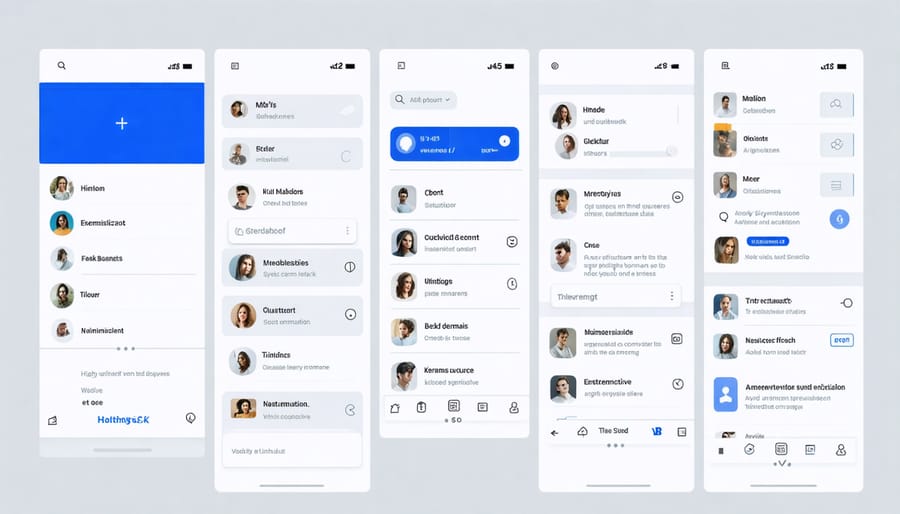
Modern communication platforms have revolutionized how educators connect and collaborate within their professional learning communities. Tools like Microsoft Teams, Google Workspace, and Slack create virtual spaces where teachers can engage in effective peer collaboration regardless of physical location or time constraints.
These platforms typically offer a mix of features that support both real-time and asynchronous communication. Video conferencing capabilities enable face-to-face discussions and virtual meetings, while chat functions allow for quick questions and informal exchanges. Document sharing and collaborative editing tools make it easy to work together on lesson plans, curriculum materials, and assessment strategies.
Many schools are now using dedicated educational platforms like Edmodo or Schoology, which combine communication tools with learning management features. These specialized platforms provide secure environments where teachers can share resources, discuss teaching strategies, and coordinate professional development activities while maintaining student privacy and data security.
The key to successful implementation lies in choosing platforms that match your school’s needs and ensuring all staff members receive adequate training and support to use them effectively.
Data Management Systems
Data management systems have revolutionized how educators track and analyze student progress, making it easier to deliver personalized learning experiences. These digital tools collect, organize, and visualize student performance data, helping teachers make informed decisions about instruction and intervention strategies.
Popular systems like PowerSchool, Infinite Campus, and Skyward offer comprehensive features for grade tracking, attendance monitoring, and behavior documentation. These platforms typically include user-friendly dashboards that display real-time data through charts and graphs, making it simple to identify trends and patterns in student performance.
Many of these systems also facilitate communication between teachers, students, and parents by providing secure portals for sharing progress reports, assignments, and feedback. This transparency helps create a collaborative learning environment where all stakeholders can actively participate in student success.
The real power of these tools lies in their ability to generate detailed reports that highlight areas where students excel or need additional support. Teachers can use this information to adjust their teaching strategies, form small groups for targeted instruction, and create individualized learning plans that meet each student’s unique needs.

Implementation Strategies for Success
Overcoming Common Challenges
Implementing technology in your classroom doesn’t have to be overwhelming. Let’s address some common challenges with practical solutions. Limited budget? Start with free educational tools and gradually build your digital resource library. Many companies offer educator discounts and grants specifically for technology integration.
For those facing time constraints, begin with small, manageable steps. Choose one tool or application to master before moving on to others. Remember, you don’t need to transform your entire curriculum overnight. Build confidence through incremental changes and celebrate small wins along the way.
Technical difficulties can be frustrating, but developing a backup plan is essential. Keep traditional teaching materials ready and connect with your school’s IT support team before implementing new technology. Creating a student tech team can also help manage minor issues while building leadership skills.
If you’re experiencing resistance from colleagues or feeling isolated, reach out to online educator communities. Share experiences, learn from others, and build a support network. Professional development opportunities, whether online or in-person, can provide valuable skills and boost confidence in using educational technology.
Technology integration in Professional Learning Communities offers transformative benefits for educators and students alike. By embracing digital tools and platforms, PLCs can enhance collaboration, streamline communication, and create more efficient ways to track student progress. The evidence shows that well-implemented technology solutions lead to more engaged teacher participation and improved student outcomes. As you move forward with technology integration, remember to start small, focus on your team’s specific needs, and gradually build your digital toolkit. Consider beginning with one or two tools that address your most pressing challenges, and regularly evaluate their effectiveness. With proper planning and support, technology can become a powerful catalyst for professional growth and student success in your PLC. The journey toward meaningful technology integration may seem challenging, but the rewards for your educational community make it well worth the effort.